Project management for small teams
Plan, ship and see progress — in one calm workspace.
Taskzpace brings your board, calendar, projects and team into a single glassy app. Create your company, invite your team and start moving today.
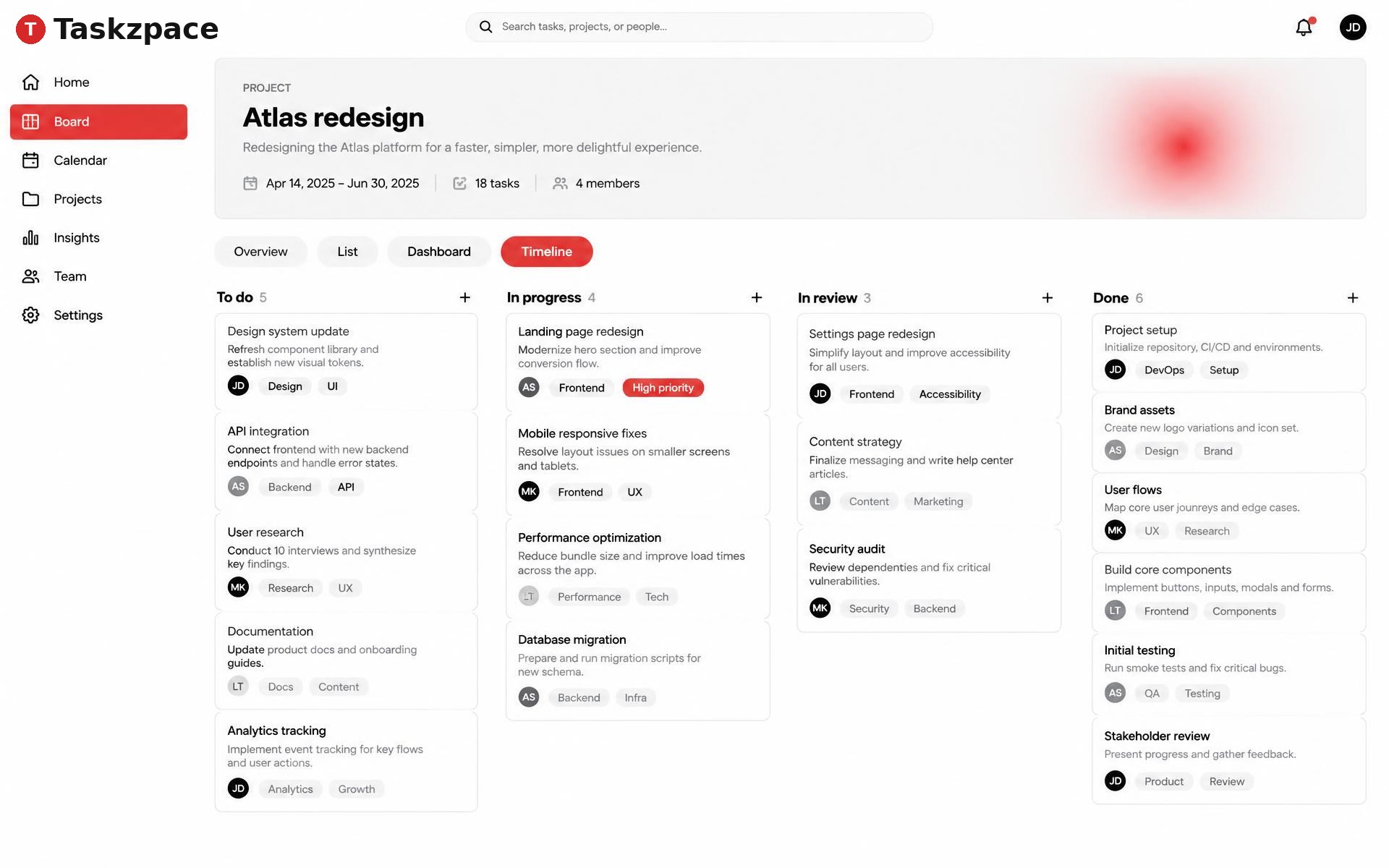
Everything a small team needs, nothing it doesn't
A board that keeps up
Drag cards across To do, In progress, In review and Done, or switch to a filtered list. Subtasks, comments and undo are built in.
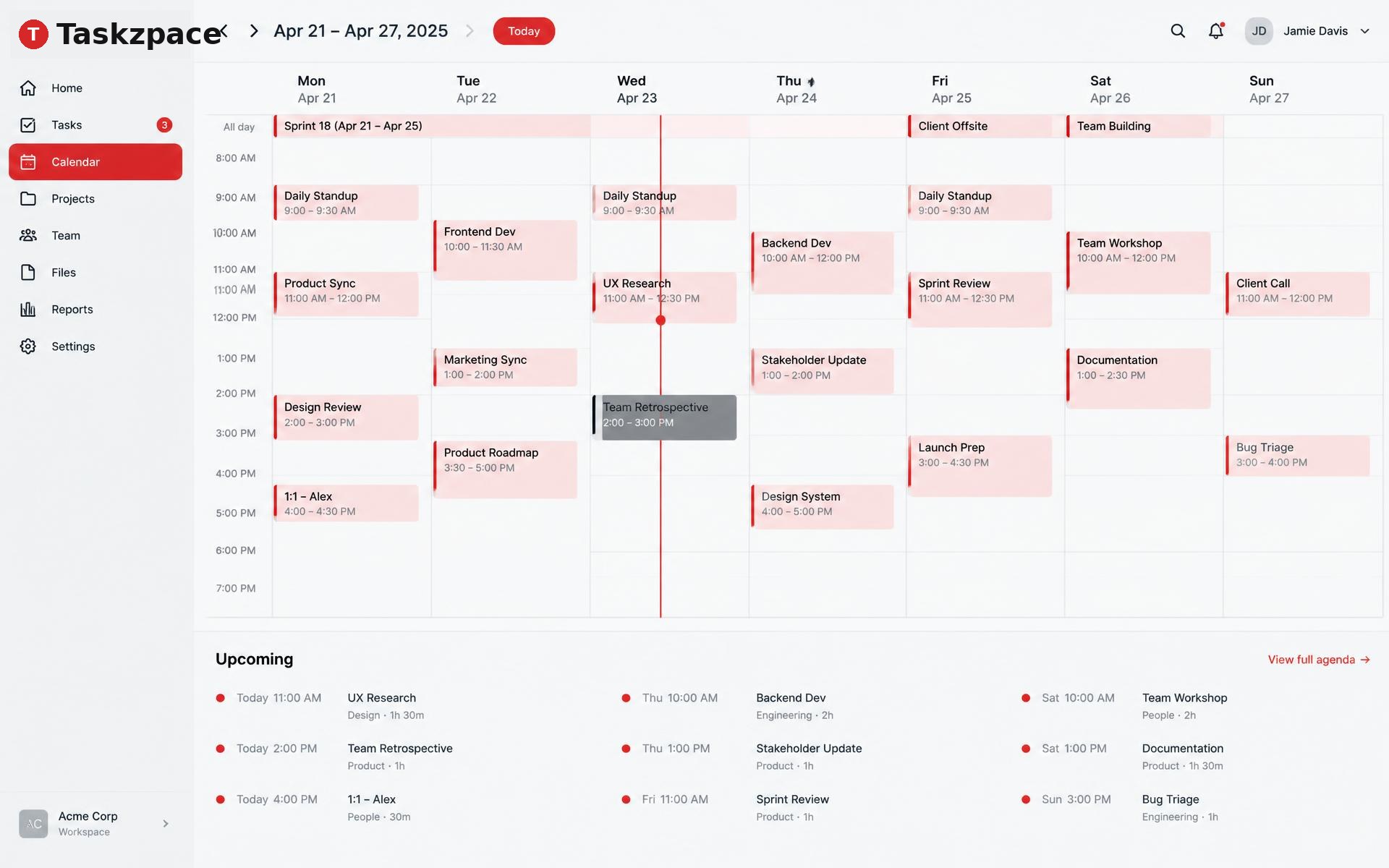
Calendar with a now-line
Month and week views, an agenda for what's next, and events tied to projects and people.
Projects you can read at a glance
Progress rings, milestones, a shared timeline and a burn-up chart for every project.
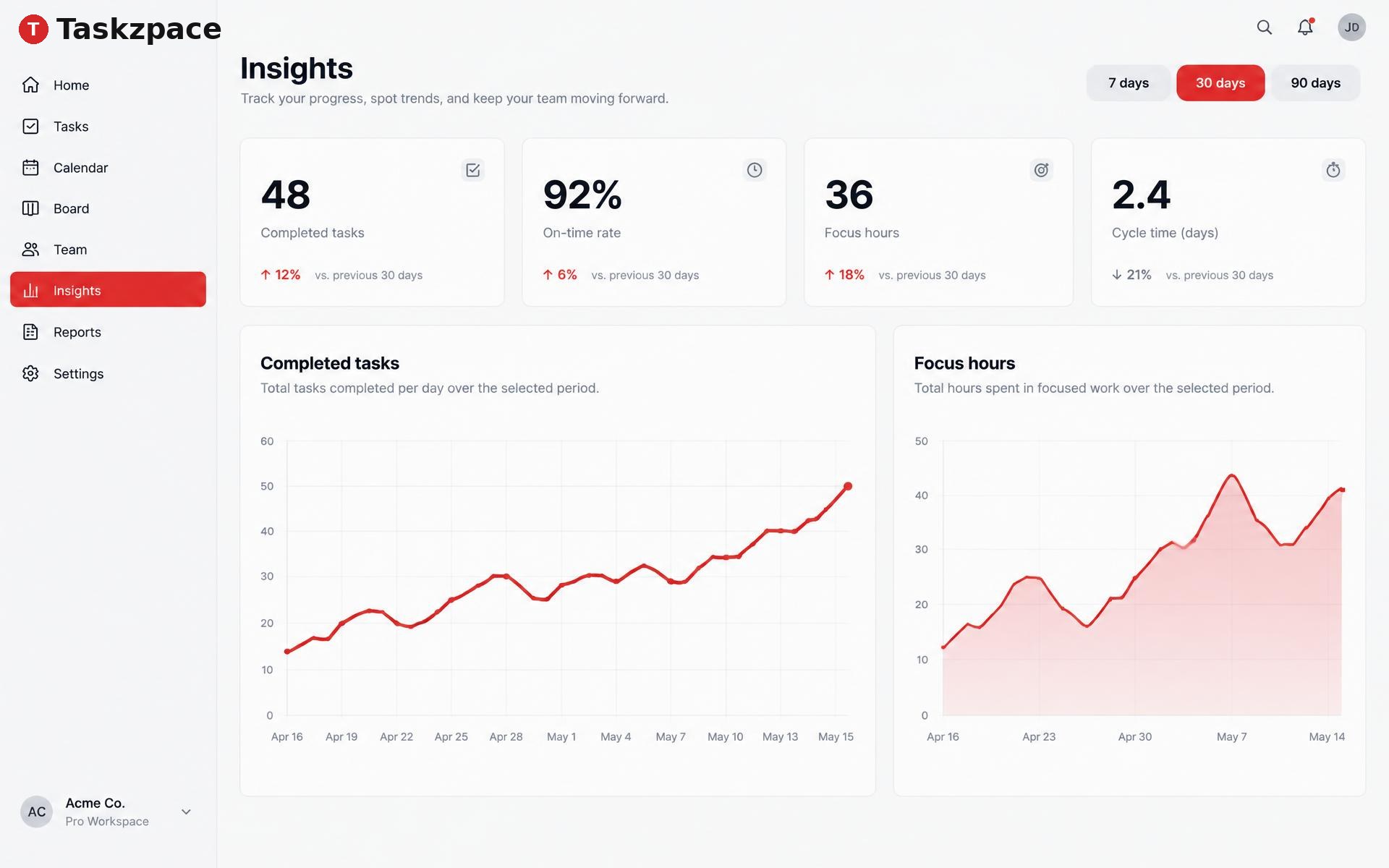
Insights from real work
Completed tasks, on-time rate, focus hours and cycle time over 7, 30 or 90 days — export to CSV.
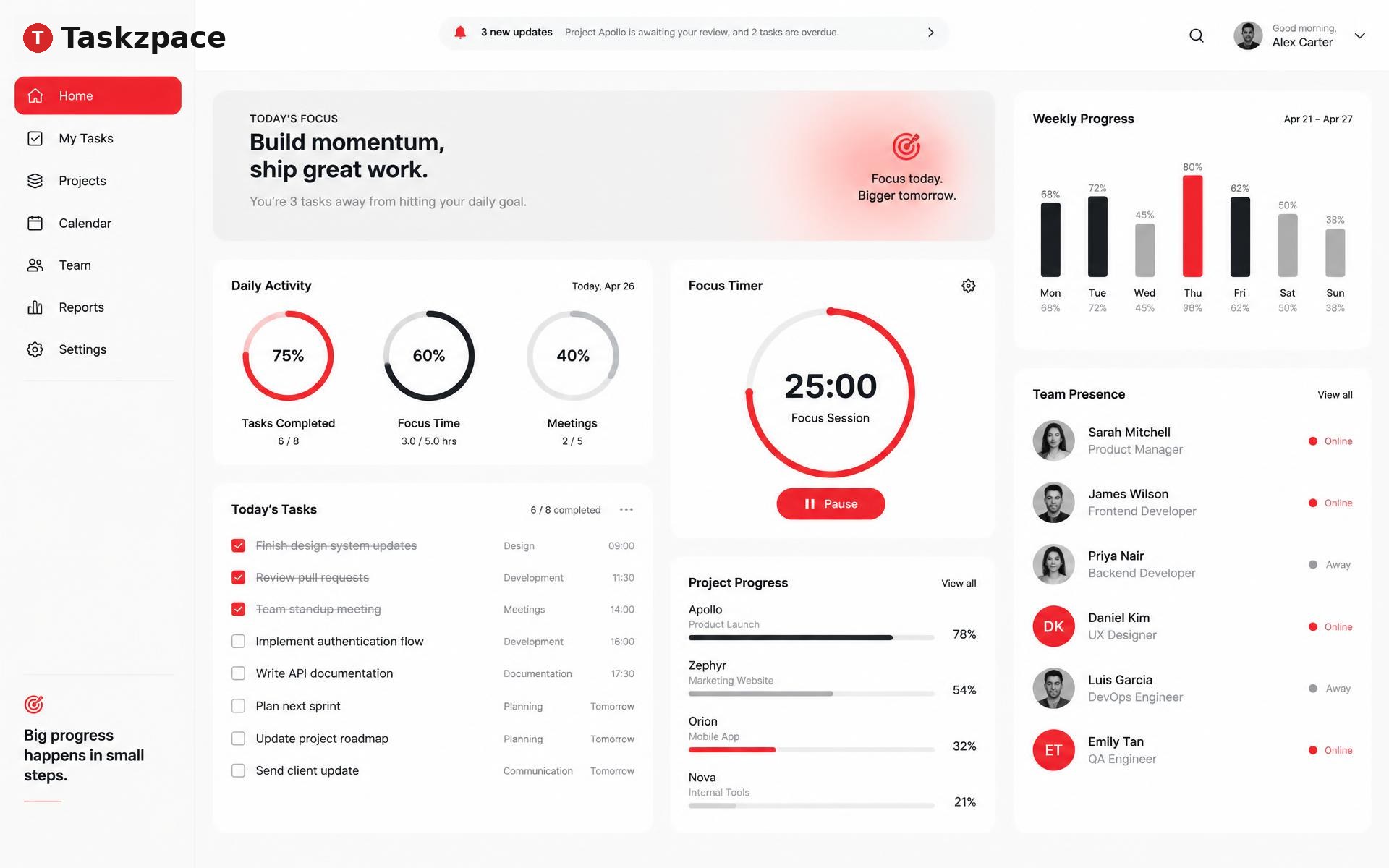
Know who's around
Presence, local times and workload for everyone, with roles for owners, admins and members.
Focus timer in the corner
Start a 25 or 50 minute session from anywhere; it counts toward your team's focus hours.
Up and running in three steps
- 1
Create your account
Sign up with email, Google or Lovable and confirm your address.
- 2
Set up your company
Name it, add a logo and pick defaults like time zone and accent colour.
- 3
Invite your team
Send private invite links, then create a project and your first tasks.
Your company's data stays yours. Each workspace is isolated, and roles decide who can manage projects, invites and members.
Questions
Who is Taskzpace for?
Small teams — product and design studios, agencies, startups and SaaS builders — who want one tidy place for tasks, schedule and progress.
Can I belong to more than one company?
Yes. Each company is a separate workspace with its own members and data, and you switch between them from the top bar.
How do teammates join?
Owners and admins create invite links. Each link is single-use, tied to one email address and expires after 7 days.
Who can see our data?
Only members of your company. Every record belongs to a workspace and access is checked by the database on every request.
What do the roles mean?
Owners manage everything including ownership transfer. Admins manage projects, invites and members. Members work on tasks, events and chat.